Canva doesn't know your listings. Let's fix that.
Your MLS photos, your headshots, and your client reviews — inside the Canva editor. Free Roomvu account, no credit card.
Then add the free Roomvu app to Canva — steps below.
Roomvu, right inside Canva
Set it up in four minutes
Open the app in Canva
Use the button above. Already inside a Canva design? Click Apps in the left sidebar and search Roomvu — look for the official listing by roomvu.
Click Add, then authorize
Sign in with your Roomvu account when Canva asks. This is what connects your listings and portraits — skip it and the panel stays empty.
Open Roomvu from the editor sidebar
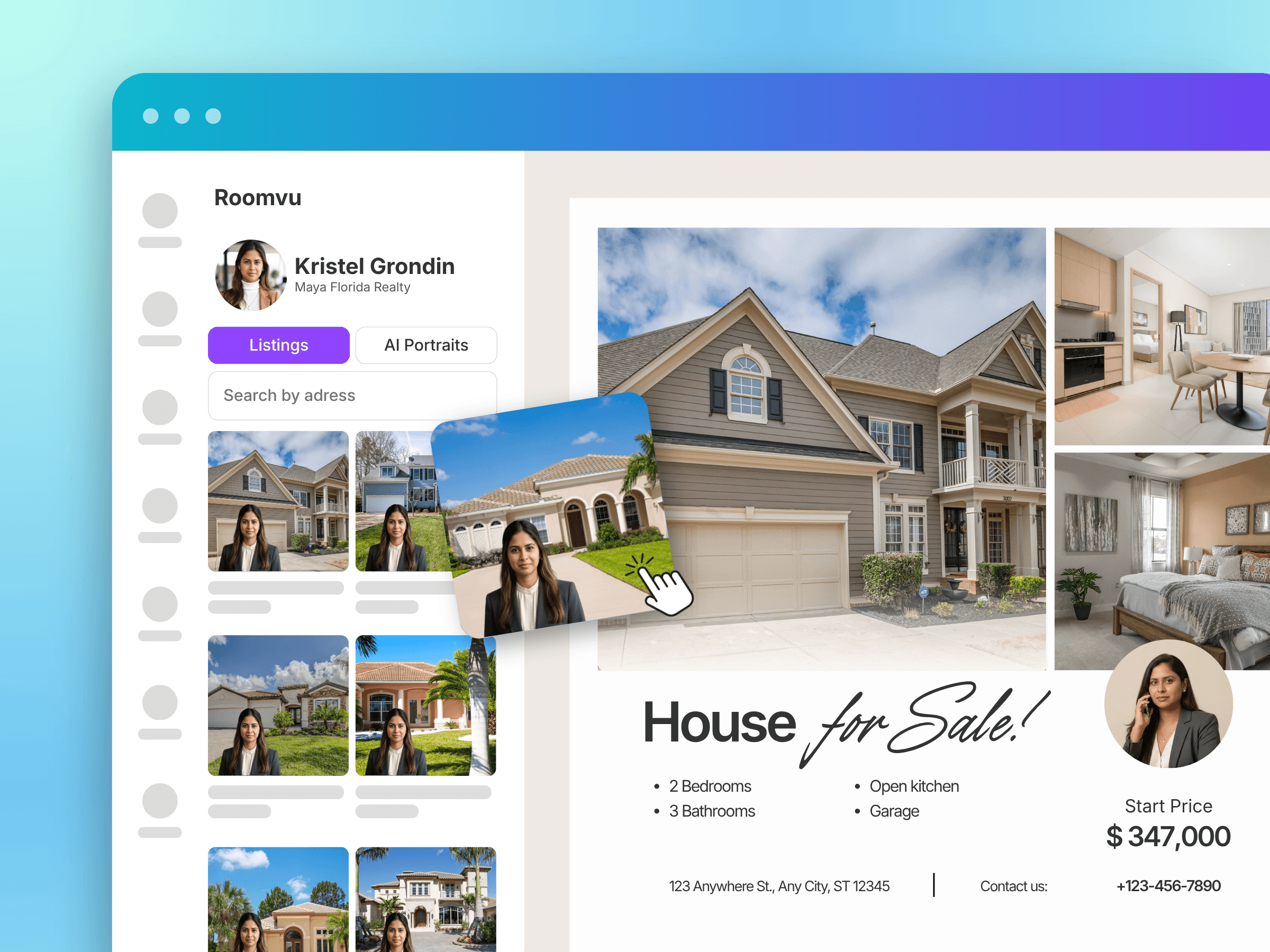
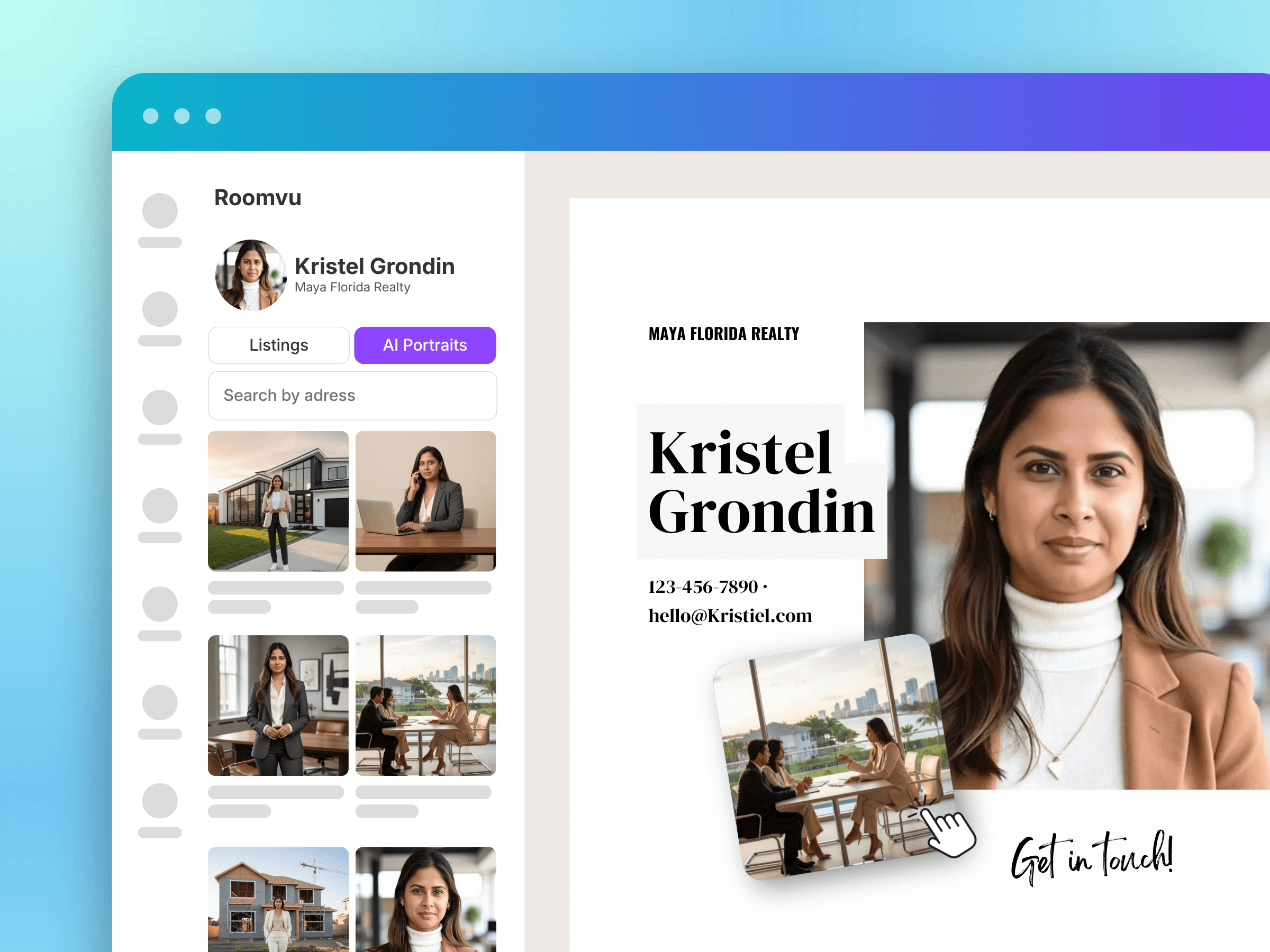
Start any design. The Roomvu panel shows Listings, AI Portraits, and Testimonials.
Search an address and drop it in
Real MLS photos, real details, real descriptions. Add your portrait. That's a post nobody can mistake for a template.
Then send it back out
Made something good? Import the design into Roomvu and it goes everywhere you show up — one design, every channel.
What's free, what isn't
Free, forever
Your listings, portraits, branding, and reviews inside Canva. Plus weekly auto-posting to LinkedIn.
Paid plans add
Auto-posting to the other six networks, your email database, and your website — every week, without you touching it.
Assets in are free. Distribution out is what you pay for. That's the whole difference.